A glowing agent inside a Kubernetes-style boundary connected through five narrow capability channels to a news globe, while red network routes are blocked outside the boundary

No Proxy, No Fetch Tool: Capability-Scoped Internet Access for In-Cluster Agents

Introduction Consider an agent running in a cluster or on a server that needs to read the news. The customary response is to provide an HTTP client and permit it to fetch URLs, perhaps through an egress proxy intended to impose a measure of network hygiene. The agent in question is an in-cluster assistant with material access to its environment. It can receive a projected ServiceAccount token, whose effective authority derives from Kubernetes RBAC; it can control home automation; and it can reach several important internal services. Giving a system with that degree of reach a general-purpose fetch(url) tool creates a direct security problem: every page it reads becomes a potential source of adversarial instruction, and every host on the internet becomes a potential destination for whatever information the agent can assemble. ...
August 10, 2026 · 7 min · Robert D. White
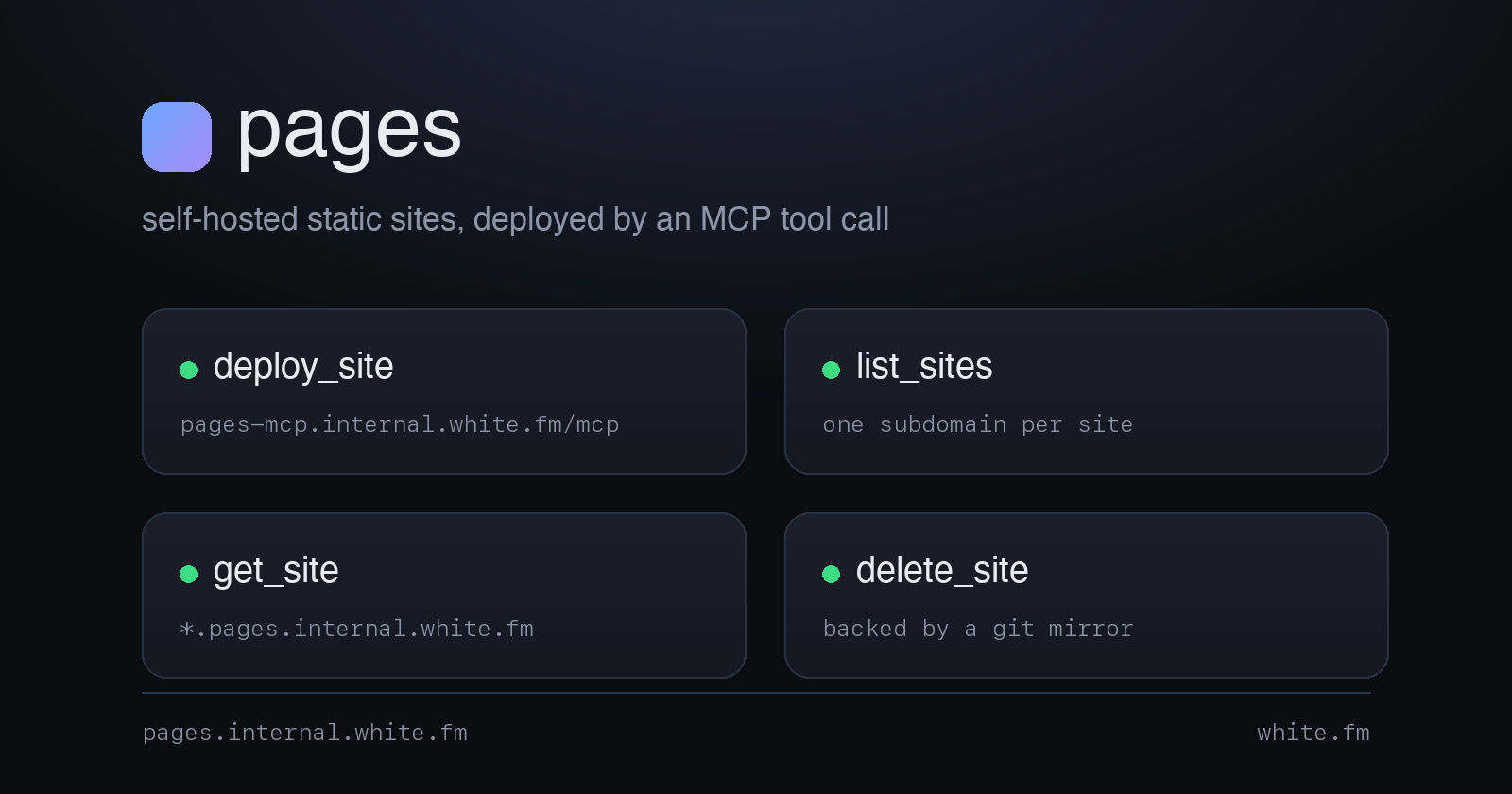
A dark title card for pages, listing its four MCP tools

Agentic Static-Site Hosting: Giving Claude a Place to Publish on Kubernetes

Introduction I use Claude Code for substantial one-off analysis, and its output is frequently a single self-contained HTML file. Examples include a flight-log dashboard, an interactive trainer derived from an audiobook transcript (described in Building Interactive Trainers From My Audiobook Library), a pedigree chart, and a client map. Each began either as a Live Artifact or as a file in /tmp that I opened with file://, inspected once, and subsequently lost. ...

August 8, 2026 · 18 min · Robert D. White
pfSense, Unifi, & PIA Graphic

Policy Based Routing with Unifi, PIA, and pfSense: How I Route My IoT External Traffic through PIA VPN

Introduction In this post, I will show you how to use policy-based routing in Unifi to route specific traffic through a VPN client (I use Private Internet Access) on pfSense. This setup allows you to retain complete control of your devices and subnets via Unifi’s Network app while taking advantage of pfSense’s ability to host a VPN client. With this setup, I am getting my full ISP speeds on devices using a VPN for encryption. Depending on your hardware, you should be able to get full speeds as well. ...

November 7, 2022 · 6 min · Robert D. White
pfSense, Unifi, & PIA Graphic

How to Use pfSense and Unifi to Anonymize and Encrypt VLAN Tagged Traffic

#UPDATE 11/05/2022 Original post date: 2021-04-05 This update contains specific configuration options to use 4096 bit RSA keys, SHA256 Auth digest algorithm, and AES256 encryption. The original post used the default key length of 2048 from PIA, SHA1, and allowed for AES128. Throughout the post, I will tag updated information with #Update. Introduction This post aims to show you how to use pfSense within a Unifi network behind a Unifi Gateway [in my case, the gateway is the Unifi Dream Machine Pro (hereafter referred to as UDMP)]. I will explain my current network configuration including applicable subnets, VLANs, and wireless SSIDs needed to make this setup successful. The end goal is to be able to add a client on my Unifi network to a particular VLAN either by joining this client wirelessly to a particular SSID or by tagging the client’s physical port to that VLAN. This VLAN will be tied to a subnet that sends data through the pfSense machine which is acting as a VPN client (I use Private Internet Access). This method allows the UDMP to continue to act as the DHCP server for these clients while allowing pfSense to anonymize and encrypt the data of the clients in question. ...

November 5, 2022 · 11 min · Robert D. White
Cloudflare Tunnel

Cloudflare Tunneling to Internal Resources with Cloudflared

Introduction This post will cover how to set up a Docker container of Cloudflared on your internal network to provide a private tunnel from Cloudflare to your internal resources. After setting up the Cloudflared tunnels, you will no longer need to expose ports 80 and 443. This post assumes you currently have a vibrant and functioning internal network with a reverse proxy (in my case, Nginx Proxy Manager) already configured. Additionally, this post assumes you have a Cloudflare account with the ability to modify DNS records for your domain(s). ...

June 27, 2022 · 5 min · Robert D. White
Available as a Tor onion service