
OSSIM Logo

'Split-Brain DNS' for Internal HTTPS with Let's Encrypt

Introduction In this previous post, I showed how to connect to a Unifi router with HTTPS, effectively ridding you of the tedious words, “Your connection is not private.” However, the method shown in that post directs your connection to an external DNS server (e.g., CloudFlare) in order to resolve your Unifi router. This adds some latency by requiring your traffic to flow out and in rather than staying local. Additionally, it requires opening some ports externally. While this is not necessarily bad, it certainly increases the risks and attack surface of your network. ...

May 13, 2022 · 10 min · Robert D. White
OSSIM + Unraid Graphic

How to Run AlienVault OSSIM as a VM on Unraid

Introduction For this post, I will show you how to setup Unraid to run AlienVault OSSIM as a VM. OSSIM is a powerful open-source SIEM that you can leverage on your network for free. I use OSSIM for network-wide vulnerability scanning and endpoint host intrusion detection. OSSIM’s integrated HIDS is a fork from OSSEC. Additionally, OSSIM integrates with Open Threat Exchange (OTX), which can be installed on Windows, Mac, and Linux endpoints and servers for an up-to-date, open-source vulnerability scanning tool. I deploy the OTX installer via my free Mosyle account (MDM for MacOS) and Intune (MDM for Windows). ...

October 1, 2021 · 5 min · Robert D. White
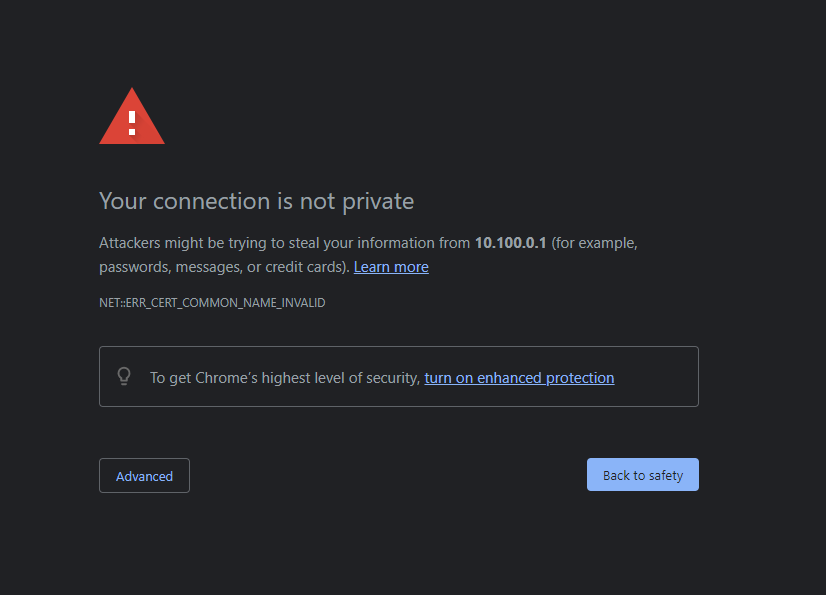
SSL Error Screenshot

How to Connect to Your Unifi Dream Machine or UNVR with SSL from Let's Encrypt

Update 05/09/2022: The conclusions of this post will route your traffic externally, requiring your local devices to reach external DNS servers (e.g., in my case, CloudFlare) in order to resolve your Unifi Gateway address. If you want to handle all of this completely locally/internally, check out my newer post: HTTPS for Internal Resources Alright, if you have a Unifi device like a Dream Machine, Dream Machine Pro, UNVR, CloudKey, or other device, you likely have been met with the dreaded red triangle followed by the tedious words, “Your connection is not private.” ...

September 22, 2021 · 4 min · Robert D. White
NPM Logo

How to Easily Run A Reverse Proxy using Docker

Reverse proxies are powerful tools used typically to forward client traffic to a server. In contrast to a forward proxy, a reverse proxy sits in front of web servers or other servers and forwards client traffic to the appropriate server. In this post, I will show you how to easily setup a reverse proxy using Docker, forward the necessary ports to the reverse proxy, and configure the reverse proxy to forward traffic to various servers on your network. Specifically, I will show how to setup the reverse proxy for se with WordPress, though the applications of this reverse proxy are endless! ...

August 17, 2021 · 7 min · Robert D. White
IoT Graphic

How to Add VLAN Segmentation for HomeKit IoT Devices with Unifi

IoT Overview The smart world of Internet-of-Things (IoT) devices is ever growing. From everyday lightbulbs to the sprinkler out front, just about every household appliance and utility has a smart-counterpart. For example, my smart home is fully Apple HomeKit compatible and consists of a Hue bridge with lightbulbs, Lutron Caseta smart dimmers/switches, Eve Aqua outdoor water hose control, iSmartGate garage door opener, Schlage deadbolt, Eve motion sensor, Sonos speakers throughout the house, a Vocolinc oil diffuser, Vocolionc power strip, a couple iRobot Roomba vacuum cleaners, some Vocolinc pluggable outlets, an Ecobee thermostat to replace each analog thermostat in the house, and a Unifi G4 Doorbell (the doorbell is not technically compatible with HomeKit, but I added support with a third-party tool known as “Homebridge”). On top of all these smart home devices, I have a handful of other Unifi Protect cameras around my property. ...

April 9, 2021 · 8 min · Robert D. White
Available as a Tor onion service